

|
|
|
|
|
|
In the previous topic you checked accumulators in the Sequence Header, and then edited them. This topic shows how to check manual pay accumulators in the Pay Status form.
 .
.The Pay Status form appears.
The manual pay has the same PTD Code and Period End date as Standard Pay # W/1.
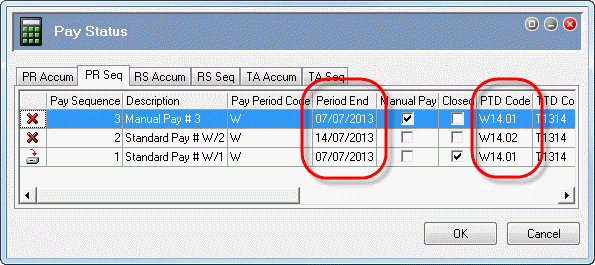
Important: You cannot edit accumulators in the Pay Status form.
 |
Topic: 39199


