

|
|
|
|
|
|
The Employee Issued Items function allows the assigned employee or WAP to record items that have been issued to an employee.
To record an item that has been assigned to an employee:
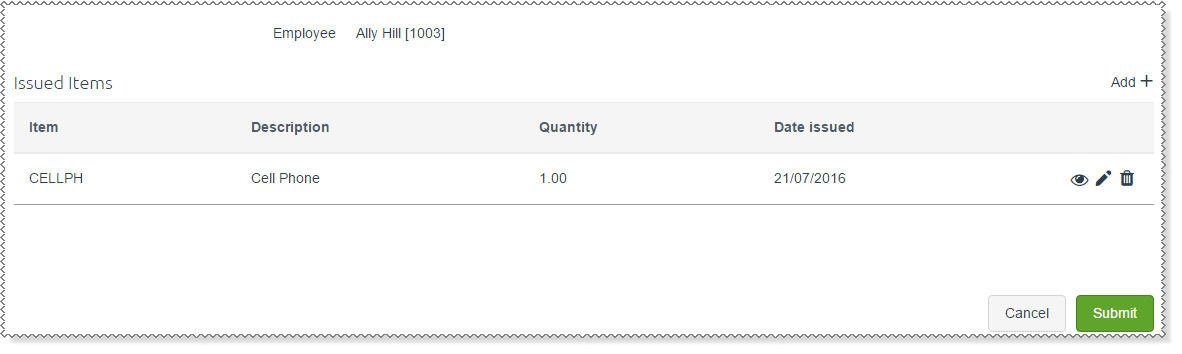
Issued items displays any items that have already been assigned to the employee.
 beside the Issued Items heading.
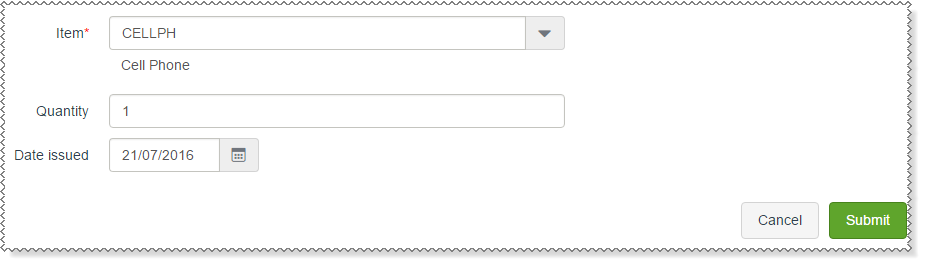
The Enter Issued Item form appears.
The item appears in the Issued Items grid.
A message appears: Workflow has been submitted successfully.
Important: After you submit a new issued item, the employee record is not updated until you click the Submit button below the Issued Items grid.
Outcomes
|
|
|
 |
Topic: 34406


