

|
|
|
|
|
|
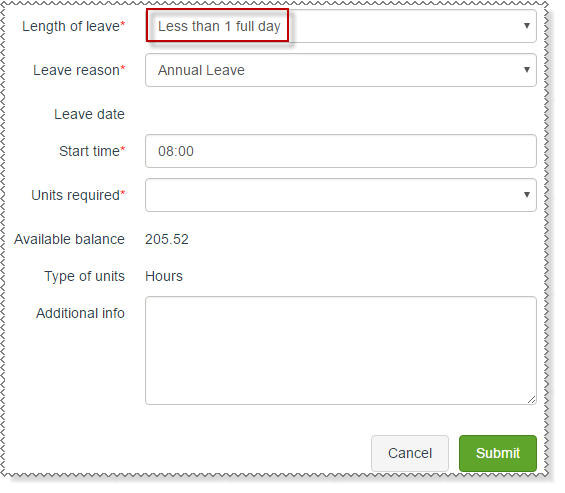
The following process explains how to complete a leave request for Less than 1 full day.
The following fields are updated:
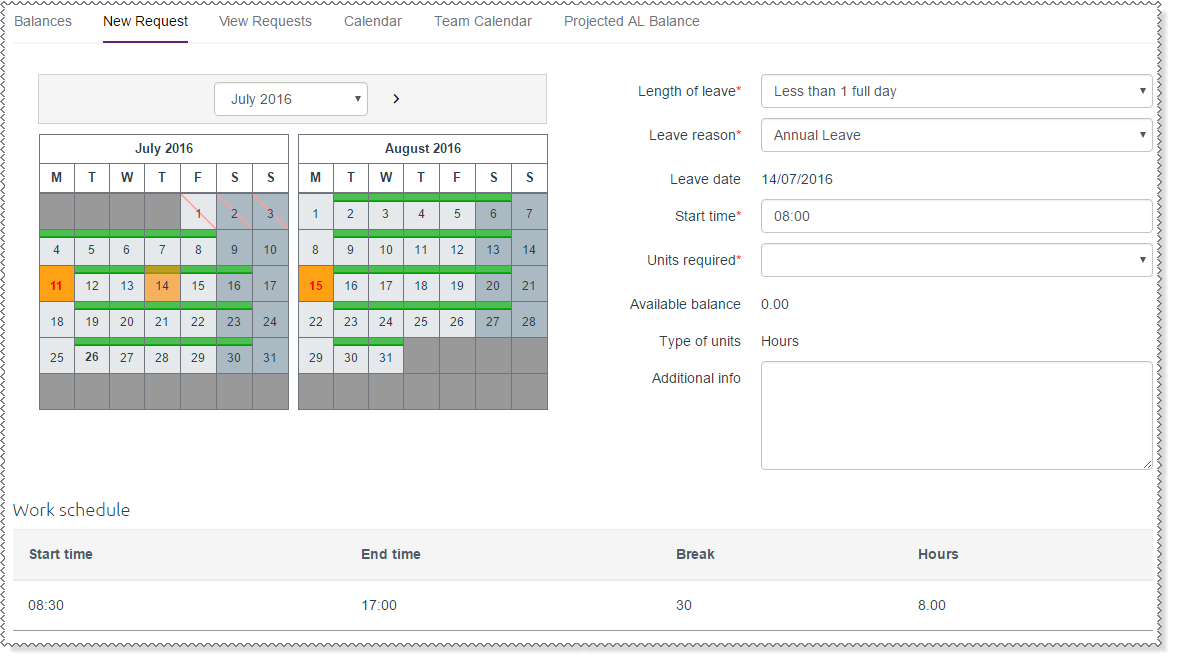
For more information about the symbols that may be displayed, see  Calendar symbols.
The values in the Units required combo list are specific to your company. They may be hourly values or daily values, such as "Quarter", "Half", or "Three-quarters".
The values in the Units required combo list are specific to your company. They may be hourly values or daily values, such as "Quarter", "Half", or "Three-quarters".
Your leave request is submitted to you manager.
Note: At this point Payroll does not contain any record of your annual leave request. Your manager must approve your leave request before it can be processed by Payroll.
Your manager will approve or decline your leave request and you are notified of their decision by email.
|
|
|
 |
Topic: 35807


