

|
|
|
|
|
|
You can select which columns are displayed in the grid.
Note: Your Self-Service Administrator sets the columns that are available.
The following example explains how to include the Department code and Department description columns in the grid.
 .
.Note: Alternatively, click in the Available columns pane and press d until Department code is highlighted.
You have added the Department code and Department description columns to the grid.
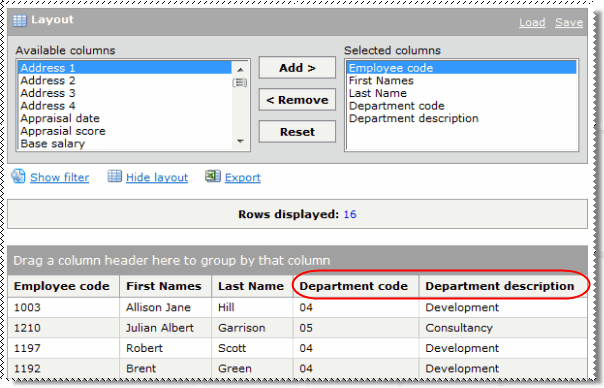
Now you can group employees by their department (see Grouping).
|
|
|
 |
Topic: 24829


