

|
|
|
|
|
|
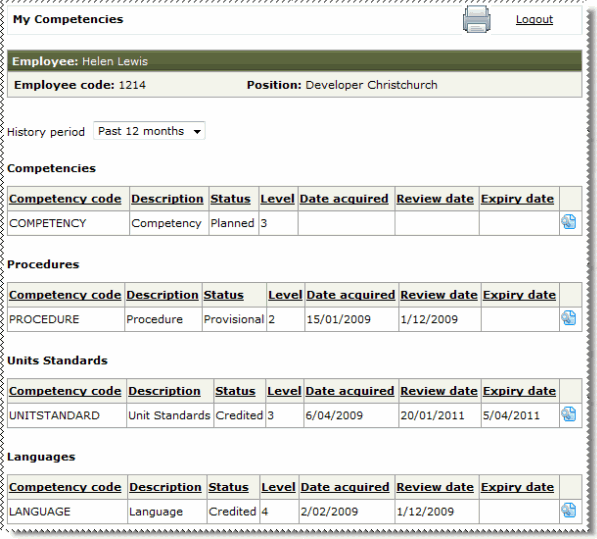
Use the My Competencies page to view the competencies that you have achieved.
Important: Your Self-Service Administrator configures Learning & Development, so the information that you view in ESS may not be the same as the images and descriptions in this section.
 to view the prerequisites for the competency.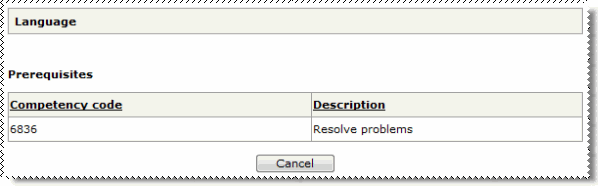
|
|
|
 |
Topic: 28145


