

|
|
|
|
|
|
Can employees edit and delete their own requests?
Employees may be able to edit or delete their own leave request that you have already approved. Your Self-Service Administrator sets the functionality that employees can use. If employees cannot see the edit or delete icons after you have approved their leave, then they must contact you and ask you to change or delete the request for them.
Neither you nor your employees can change or delete a leave request if:
If you want to change or cancel an employee's leave after part or all of the leave request is paid, then you need to contact Payroll.
The following example explains how to edit an employee’s leave request (for full or partial leave requests).
The employee's leave request appears.
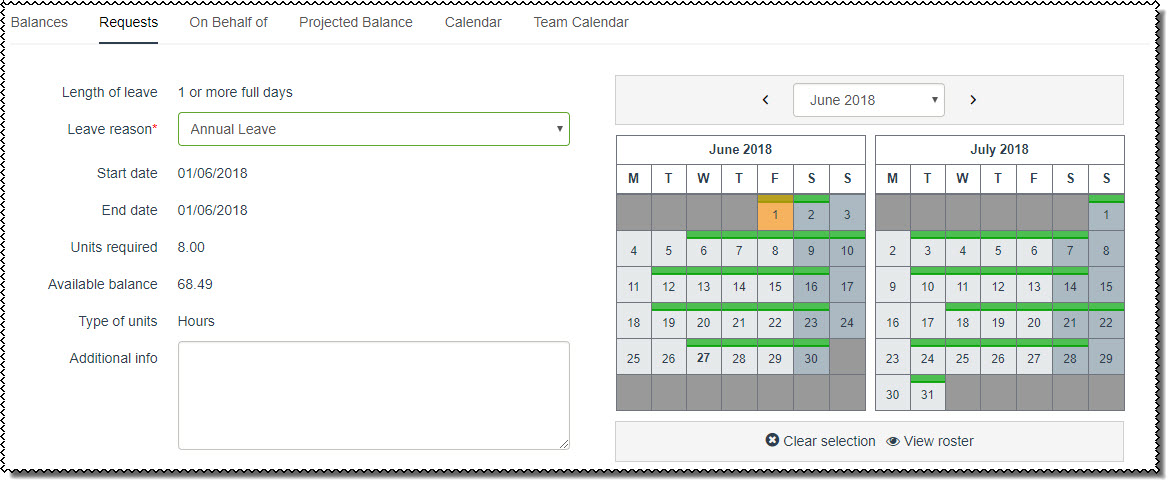
The original leave request opens.
When you submit the request, the following processes occur.
In Active Items, when you click the History link for the original leave request, you will see the history event with Action = “Edited”.
|
|
|
 |
Topic: 35499


