

|
|
|
|
|
|
The My Payslips section lists your payslips. ESS users can view their own payslips only, so your manager cannot view your payslips.
A list of your payslips appears.
Note: Payslips are sorted in date order with the newest payslip at the top.
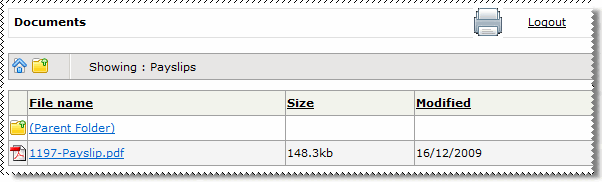
A new browser window opens and your payslip is displayed in the new window as a PDF document. Depending on your browser configuration, you may be asked if you want to Open or Save your payslip.
Note:The payslip may open within your current browser window, depending on how your site has been configured.
 |
Topic: 40887


