

|
|
|
|
|
|
You cannot close a pay until you process all transactions. The unprocessed pay sequence will not appear in the list of available pay sequences until all transactions are processed successfully. Although you can process all transactions in a pay from within Transaction View by selecting all employees and then pressing F9, this method does not change the pay's status to "processed". You must use the Process Pay command to fully process the pay.
In this example, you opened a manual pay after closing Standard Pay # W/1 so the Pay Status form shows the following details:
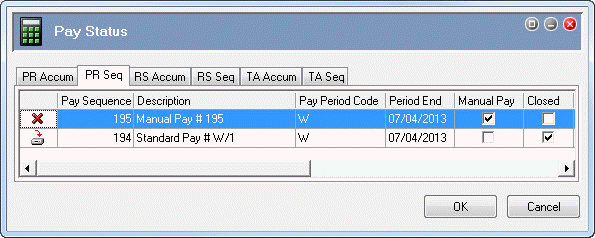
You will use the Process Pay command to fully process the manual pay.
 |
Topic: 23418


