

|
|
|
|
|
|
The History Analysis tool allows you to report on an employee’s transaction history over a specified period. You can view transactions for closed pays only.
Further reading: For more detailed information, refer to the History Analysis manual.
In this example you will format History Analysis to display Michael Smith’s 708 and 709 student loan payments grouped by period-to-date, and then generate a grid report based on the current History Analysis layout.
Field |
Option |
View |
Deductions |
Filter |
By Period to date |
Code equals 708 Or equals 709
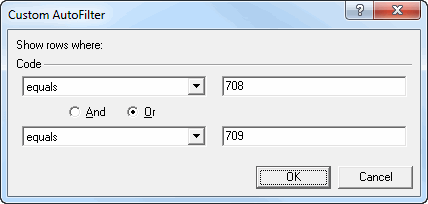
The History Analysis window now displays Michael’s 708 and 709 student loan deductions only, grouped by PTD Code.
The bank information columns are empty so you should remove them before you generate the grid report.
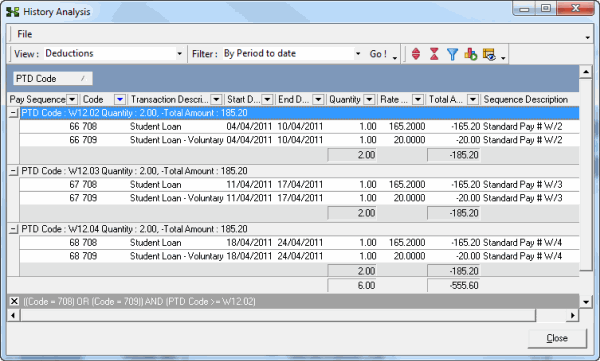
Michael started paying the additional student loan deduction in Period W12.02.
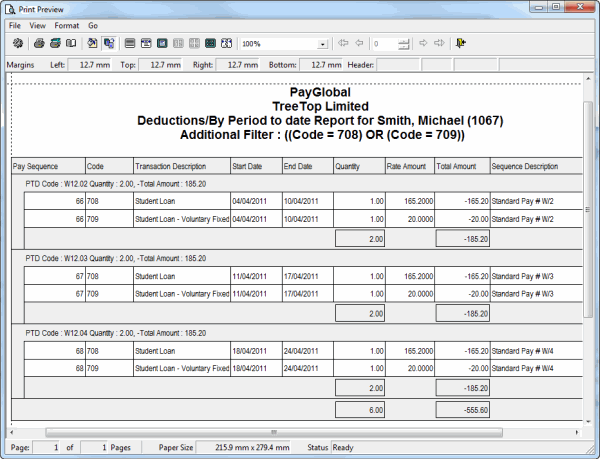
Note: PayGlobal automatically optimises column widths when it generates the grid report.
|
|
|
 |
Topic: 18132


