

|
|
|
|
|
|
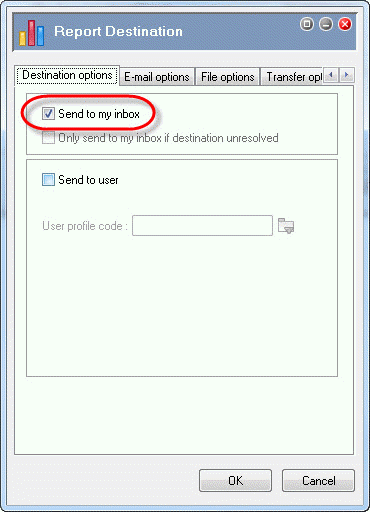
Now you will select the Inbox as the destination for the Australian A4 Designer Payslip. After you run the report, it will appear in the PayGlobal Report Viewer and a copy will be sent to the Inbox.
You are on the View Report Groups | Reports tab.
The Report Destination | Destination options tab appears.
 |
Topic: 2519


