

|
|
|
|
|
|
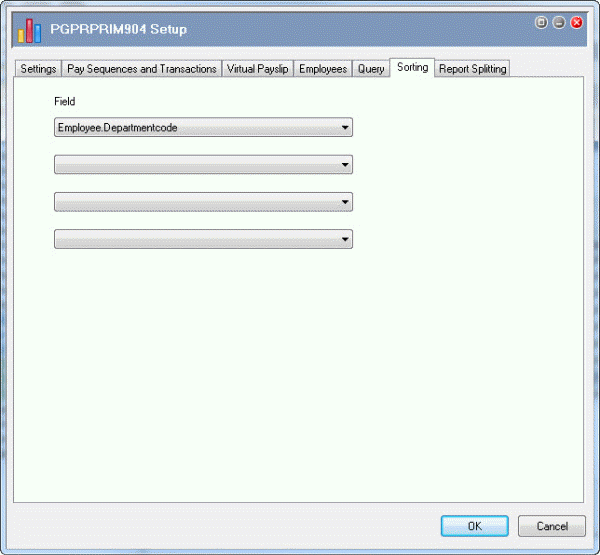
You can use up to four levels of sorting in PGPRPRIM904, based on Dim, Employee and Virtualpayslip fields. You will sort the Australian A4 Designer Payslip by department.
Field |
Value |
Details |
Field |
Employee.Departmentcode |
Select from drop-down list. |
Note: You can use the Report Splitting tab page to split reports. You run one payslip report and split it into separate reports by employee — see Run Split Australian A4 Designer Payslip.
Next you will edit the destination of the PGPRPRIM904 report.
 |
Topic: 16586


