

|
|
|
|
|
|
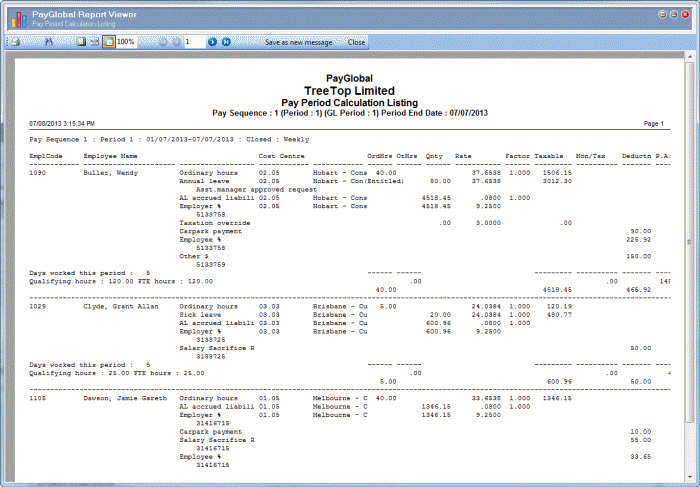
This topic explains each section of the Pay Period Calculation Listing.
Employee Details
The first section gives details of each employee's pay.
Summary
After the employee details pages, the summary section lists totals for the number of employees paid, Taxable Gross, Non Taxable, This Weeks Overpay, PAYG, Last Weeks Overpay, Deductions, and Primary Payments.
Payroll Summary
The final section of the report summarises the amounts for each allowance and deduction.

You can reconcile this value with the Direct Credit Schedule total — see Direct Credit Schedule Sections.
|
|
|
 |
Topic: 39246


