

|
|
|
|
|
|
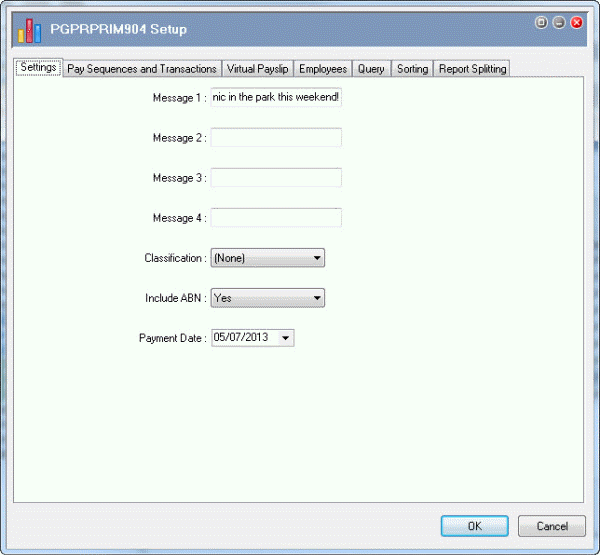
The Settings tab allows you to add messages and set up basic report details.
Field |
Value |
Details |
|---|---|---|
Message 1 |
Company picnic in the park this weekend! |
You can display up to four messages of up to 100 characters each on all payslips in your current selection. |
Classification |
(None) |
This example does not use classification. |
Note: Companies in NSW, TAS and WA that are not covered by WorkChoices cannot use Classification = (None). |
||
Include ABN |
Yes |
Default value. |
Note: NSW companies that are not covered by WorkChoices must use Include ABN = "Yes". |
||
Payment date |
05/07/2013 |
|
 |
Topic: 39255


