

|
|
|
|
|
|
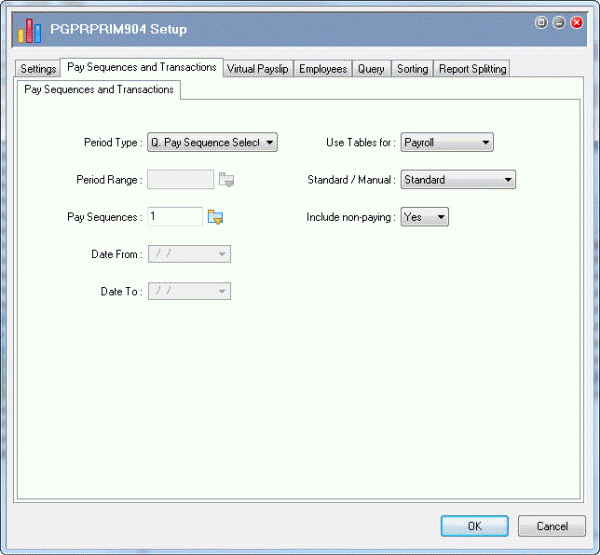
The Pay Sequences and Transactions tab allows you to set up basic report properties.
Field |
Value |
Details |
|---|---|---|
Period Type |
Q. Pay Sequence Selection |
Enables the Pay Sequences field. |
Pay Sequences |
Click the pick list button, select Standard Pay # W/1, and click OK. |
|
Standard / Manual |
Standard |
|
Include non-paying |
No |
If you want the report to include non-paying allowances, set this field to "Yes" and edit the report definition to include a section for non-paying allowance fields. |
|
|
|
 |
Topic: 16584


