

|
|
|
|
|
|
The S.01 - All Allowances and Deductions payroll rule creates transactions based on the following:
In this example, the Calculation method for percentage-based superannuation allowances and deductions is Percentage of Gross Pay. As a result, the Quantity value for these transactions is the employee's total gross pay, which is their ordinary time earnings (OTE) or superable earnings.
Important: You must ensure that only OTE allowances have Use in Super Calculations = "Yes" or your superannuation calculations will be based on an incorrect Quantity value.
S.01 – All allowances & deductions
Termination date is empty.
List |
Option |
Fields |
Termination date |
Operators |
is empty |
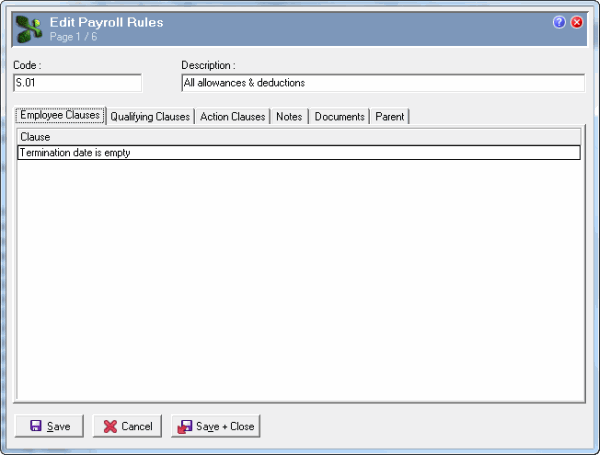
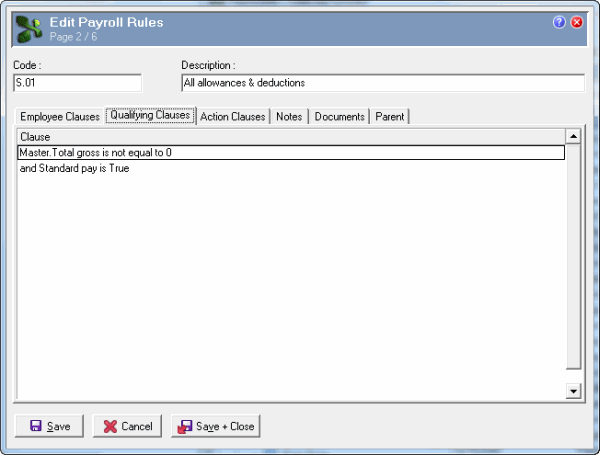
Master.Total gross is not equal to 0
List |
Option |
Fields |
Master.Total gross |
Operators |
is not equal to |
Values |
0.00 |
and Standard pay is True
List |
Option |
Fields |
Standard pay |
Operators |
is True |
This payroll rule applies to employees who have transactions in the period being processed.
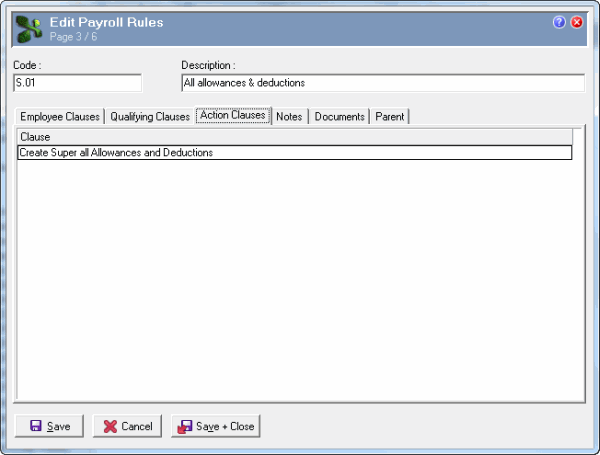
Create Super all Allowances and Deductions.
List |
Option |
Fields |
Create Superannuation |
Fields |
Create Super all Allowances and Deductions |
|
|
|
 |
Topic: 11322


