

|
|
|
|
|
|
Period Superannuation PTDs records store the date range that is used to determine whether the employee has reached the monthly minimum earnings threshold for superannuation guarantee contributions.
If you use Exolvo, the Period Calendars Creation Tool can create Superannuation PTDs records as part of your new calendar.
If you use PayGlobal 1.95, you need to manually create one set of 12 Period Superannuation PTDs records per year. Date ranges for these records must not overlap.
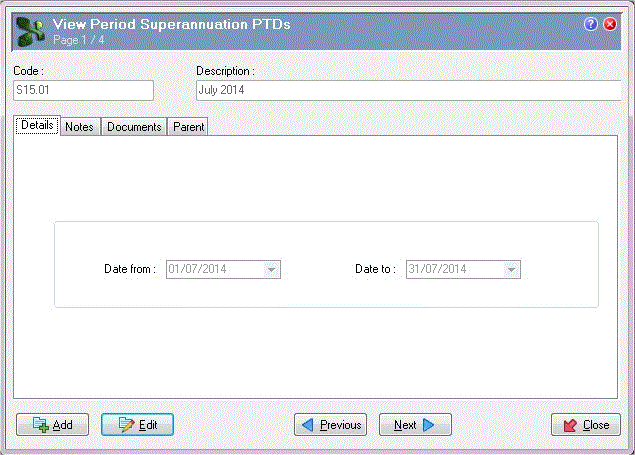
The following PayGlobal 1.95 example explains how to add a record for the first month of the 2014-2015 financial year.
Field |
Value |
Details |
|---|---|---|
Date from |
01/07/2014 |
Start date of the superannuation month. This date cannot be later than the Date to. |
Date to |
31/07/2014 |
End date of the superannuation month. This date cannot be earlier than the Date from. |
You could continue to creating individual records or use Model Record to create the remaining Period Superannuation PTDs records.
Important: Pay processing will generate a RESC value only if the pay's accumulators include a Superannuation PTD and a Superannuation QTD code.
 |
Topic: 27677


