

|
|
|
|
|
|
You are in the main PayGlobal window.
The Select Periods window appears.
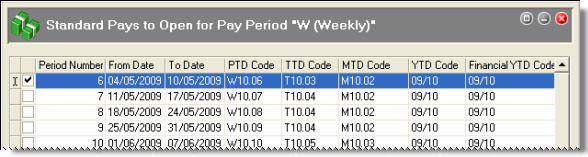
The Standard Pays to open for Pay Period window appears.
The Closed Pays to Purge from Current window appears.
You should purge closed pay periods for the pay period code that you are opening.
 to confirm the status of your pay periods.
The Standard pay that you opened should appear on the PR Seq tab page with a red cross beside it. The red cross indicates that this pay period is open and unprocessed.
 |
Topic: 11649


