

|
|
|
|
|
|
Use the Home Page Content section to edit the contents of the home page that is displayed to employees and managers when they log on to ESS.
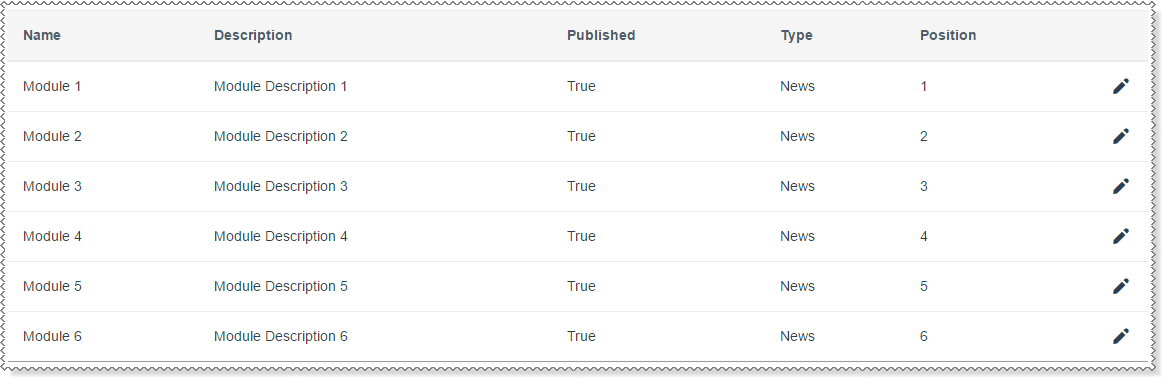
You can include the following types of content on your home page:
|
Favourites |
Display a list of links to Internet or intranet sites that ESS users use frequently. This type works the same as the News type. |
|
Links |
|
|
News |
Display a bullet list of headlines and announcements as links, sentences or short paragraphs. |
|
Promotion |
Embed rich graphical and text promotions for products and services. |
|
Tasks |
Display a list of tasks that all employees need to complete, such as Sign and return you employment agreement to your manager. This type works the same as the News type. |
|
Tips |
Offer helpful tips to the ESS users. |
|
Toolbox |
This type works the same as the News type. |
|
RSS Feed |
An RSS (Really Simple Syndication) Feed can display content summaries of news, blogs or forums. For more information, go to the RSS Specifications Website. |
 |
Topic: 11919


