Home Page Content Admin
If you have been assigned to the Home Page Content Admin role, then the Change role section appears above the navigation menu.
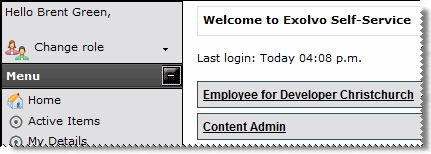
- Click the Change role link to view your assigned or delegated roles.
- Click the role that has been set up to configure Home Page Content.
- Click the Home Page Content menu item to access the area where you can add or edit the contents of the Self-Service home page.
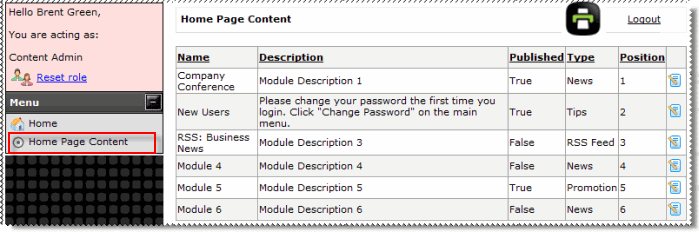
- Go to Using Home Page Content.
Topic: 30182




