

|
|
|
|
|
|
The Document View window appears.
The Open window appears.
Note: Alternatively, you can click New Document to open Microsoft Word and create a new document in Document View.
The Document Settings window appears.
Important: You must complete the following steps to publish the document to ESS.
If you only want a specific employee to see the document, then click the pick list button and select that employee in the Select Record field.
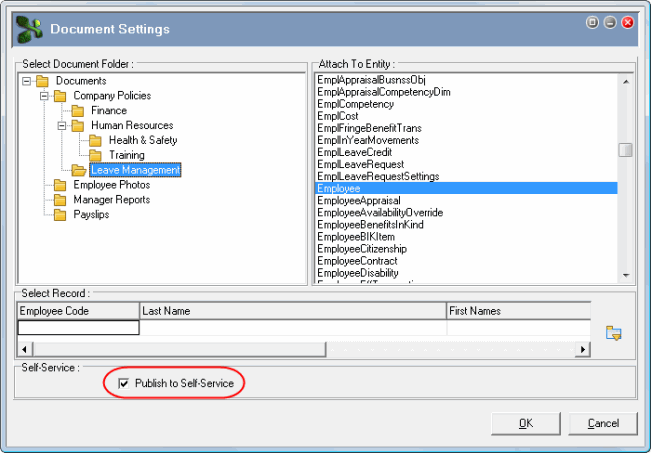
Note: If you want to publish a document that is already held in Document View to ESS, then right-click the document and click Document Settings to open the Document Settings window.
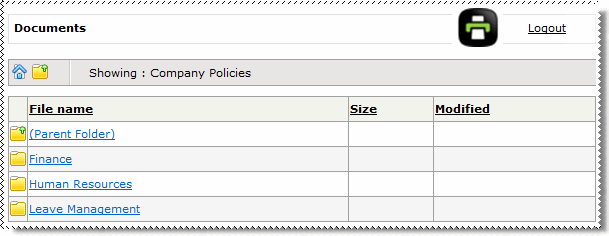
For more information about setting up a test employee, see Generate Password for One Employee.
 |
Topic: 30178


