

|
|
|
|
|
|
Use this method when you need to set up a new employee for ESS.
You also use this method to generate a specific password for one or two employees for testing purposes. To set up a test employee, change the employee’s email address to your own and then use the following procedure. A test employee allows you to log on as a specific employee and then check whether your configuration and security are set up correctly.
Note: If employees do not have an e-mail address in their employee record, then you cannot use this procedure. You need to advise them of their password by phone or in writing. Employees may be able to generate their own passwords by using the First time user function in ESS.
You are on the main PayGlobal window.
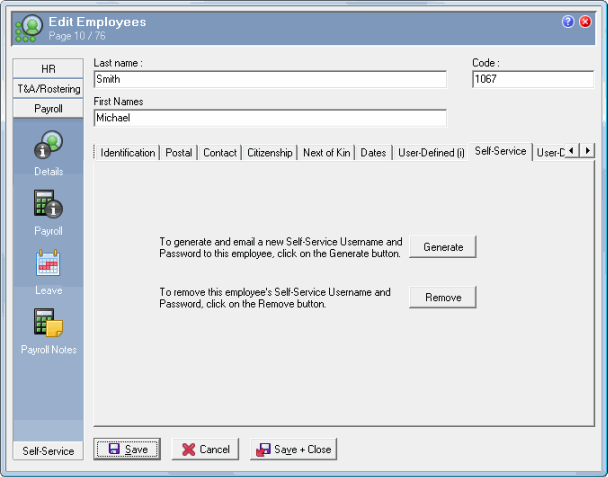
The employee record Details section appears.
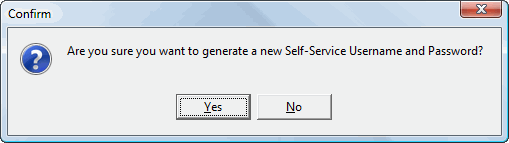
A Confirm box appears.
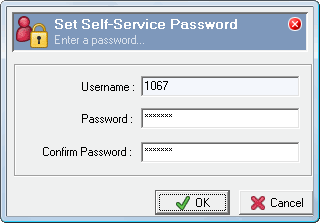
The Set Self-Service Password box appears.
The Send To… box appears.
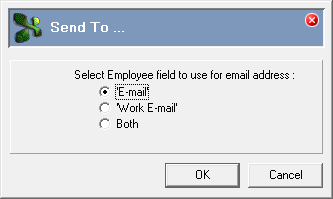
Note: The employee’s email addresses are copied from the employee record.
The Set Up Email Template box appears.
An Audit log Confirm box appears.
An Information box appears:

The email is sent to the employee immediately and does not go to the Outbox.
The employee will receive an email similar to the following:
|
|
|
|
 |
Topic: 30175


