

|
|
|
|
|
|
The Org Restructure function allows the assigned employee or WAP to change WAP parent codes.
Note: Org Restructure is one of the menu items that the admin_GENERAL (a default admin role) has access to by default.
To change parent WAP codes:
If you select a date in the future, then the changes will not take affect until that date. If you select today's date or a date in the past, then the changes are made immediately.
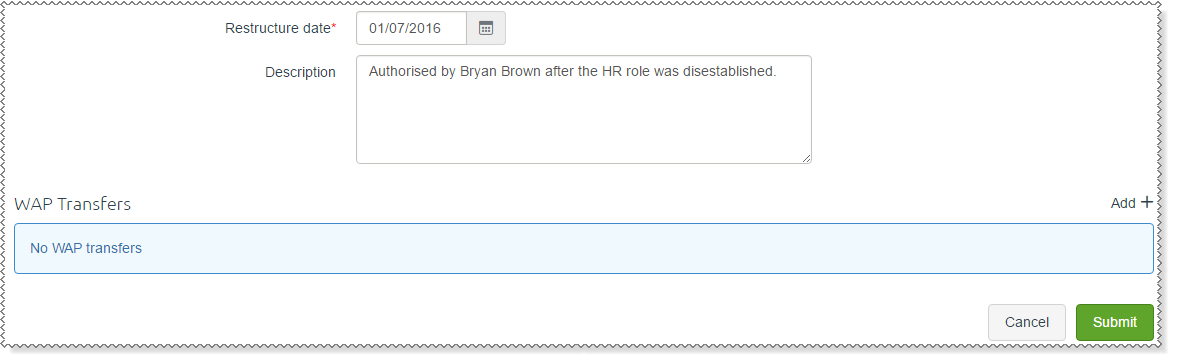
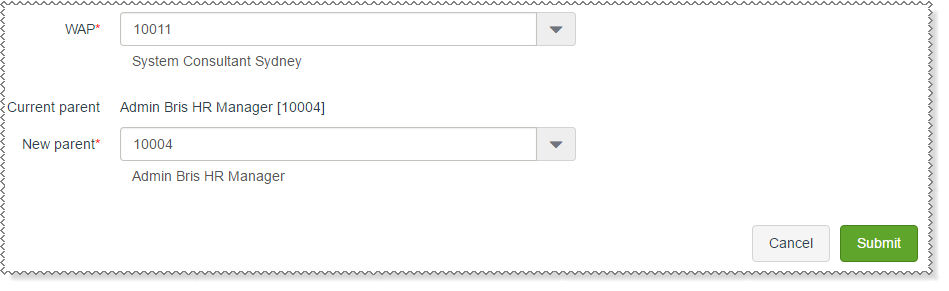
 link beside the WAP Transfers heading.
The read-only Current parent field is populated with the WAP's parent.
Validation
ESS validates the WAPs that you select to ensure that you do not create circular references in your WAP structure.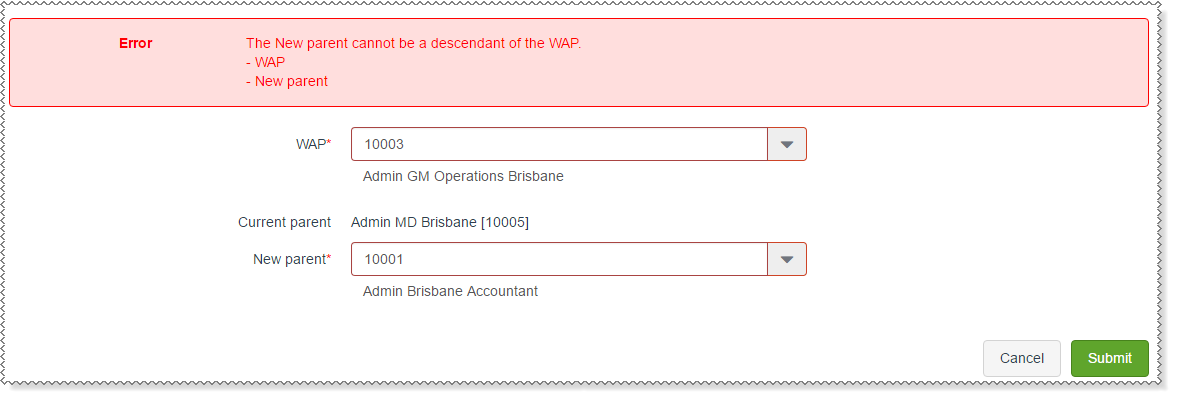
The record is saved to the WAP Transfers grid. You can click the Add link to add more WAP Transfer records.
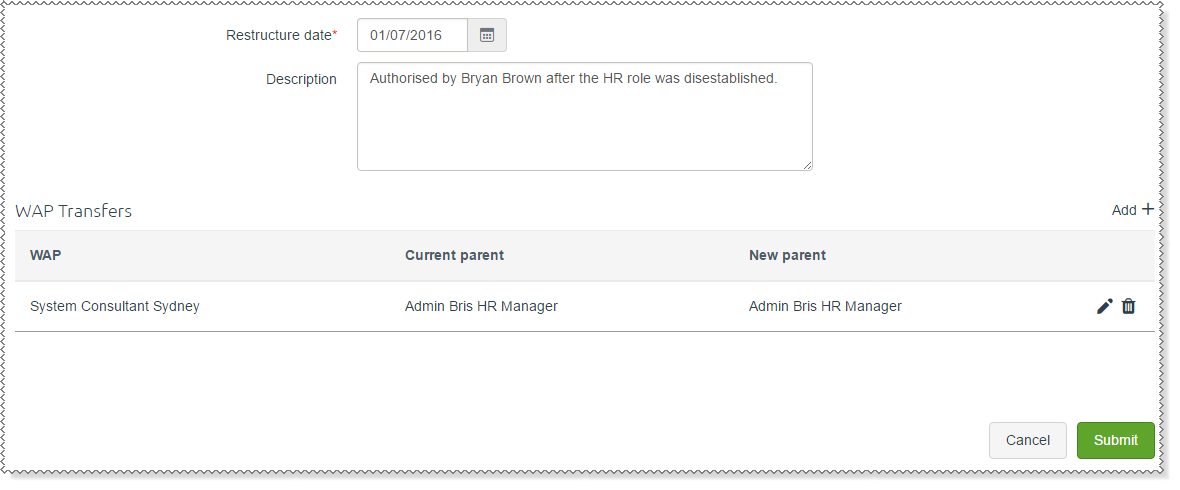
A message appears: Workflow has been submitted successfully.
|
|
|
 |
Topic: 34129


