

|
|
|
|
|
|
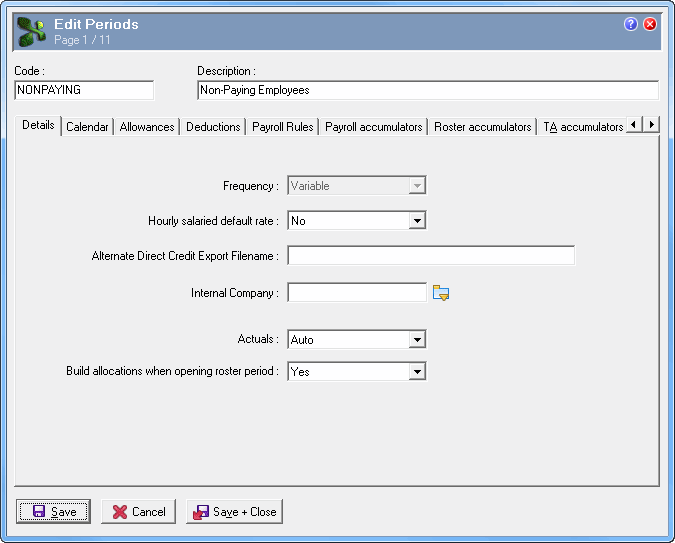
Create a new pay period for virtual employees. When you open Transaction View and Daily View, or run reports, you generally need to select a pay period, so having a separate period for virtual employees is an easy way to exclude them.
The image below shows an example of a non-paying period. The "Variable" frequency will not show in Timesheet Settings.
You do not need to set up the Calendar (PTDs, MTDs etc) for the non-paying period.
|
|
|
 |
Topic: 38113


