

|
|
|
|
|
|
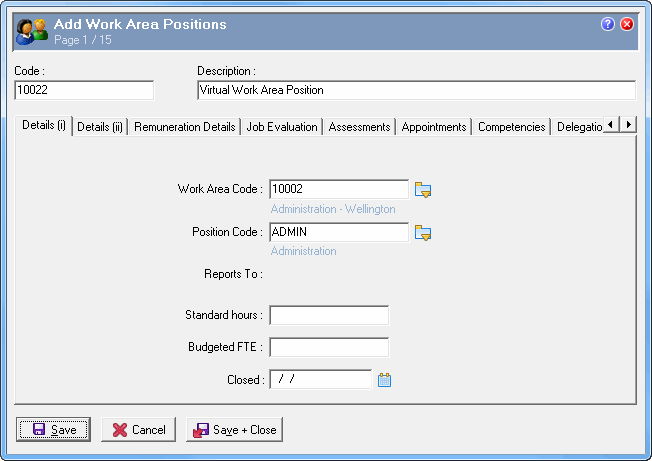
Create a WAP for virtual employees. The Work Area Code and Position will be determined by the virtual employee's position in the company.
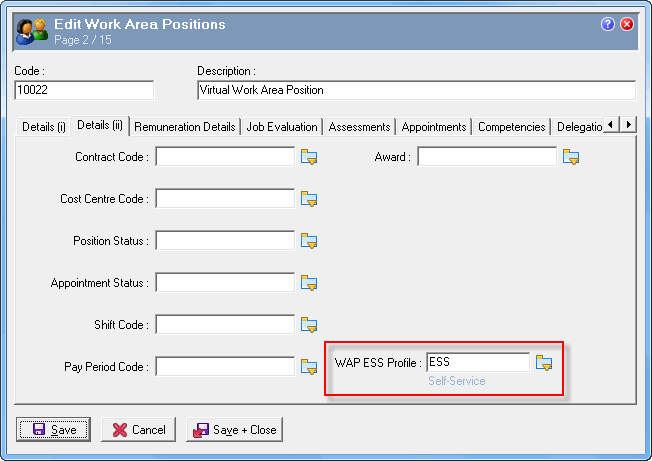
Set the WAP up as normal with a commencement date and security profile to use ESS.
The image below shows an example of a "Virtual" Work Area Positions record.
|
|
|
 |
Topic: 38115


