

|
|
|
|
|
|
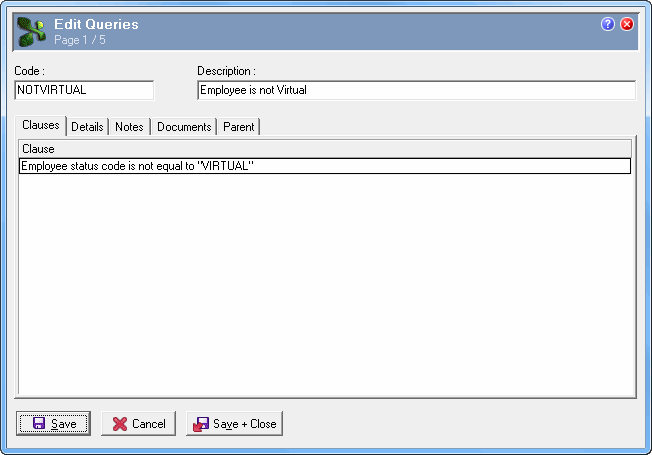
The employee record for a virtual employee must be set up so it does not affect other areas of PayGlobal. In particular, compliance and legislative reports must exclude these employees. Set up a “default” employee query that can be used to exclude employees with a status of “VIRTUAL”. Set up one for use in PayGlobal and another for use in ESS.
You have to save the Query record before you can add the clauses.
Employee status code
is not equal to
VIRTUAL
|
|
|
 |
Topic: 38118


