

|
|
|
|
|
|
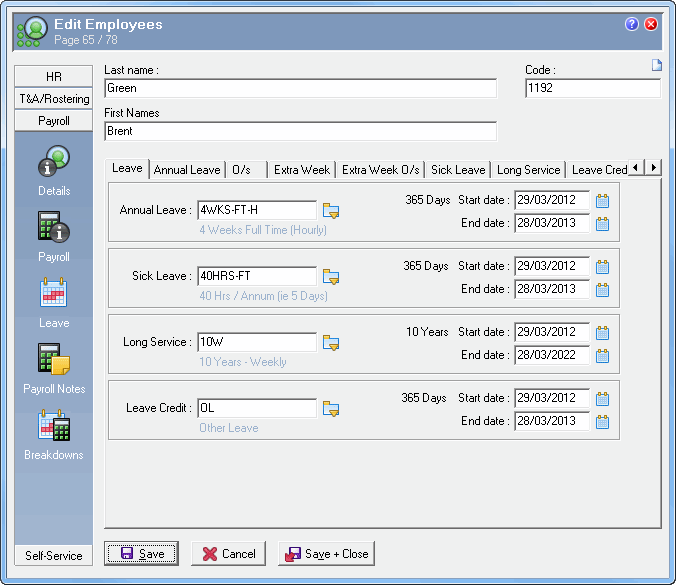
Use the following procedure to update an employee's Leave Tables and Holiday Group.
Leave Tables
It is critical that this page is set up correctly. If these settings are incorrect, then the employee's leave entitlements will also be incorrect.
See the PayGlobal Help file for more information about Leave Tables (topic 758).
Holiday Groups
See the PayGlobal Help file for more information about Holiday Groups (topic 2064).
|
|
|
 |
Topic: 39561


