

|
|
|
|
|
|
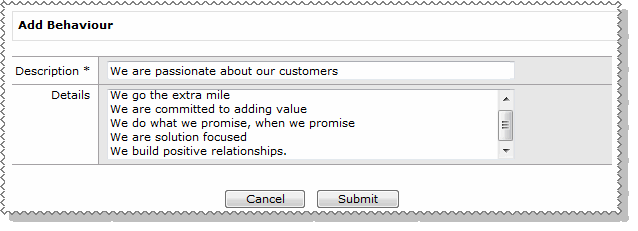
When you click the Add Behaviour button on the Maintain Behaviours page, the Add Behaviour form appears.
Field |
Details |
Description * |
The description that will appear in the heading of the Behaviour record. For example: - We live above the line |
Details |
More information about this behaviour, such as the results that are expected. Items in this field will appear as a bulleted list after you click Submit. |
 |
Topic: 41215


