

|
|
|
|
|
|
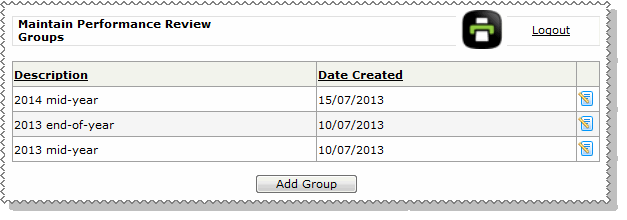
Groups help you manage and report on performance reviews. If you have performance reviews twice a year, then you could have the following groups:
Note: You should not include "Performance Review" in the group name because the user interface includes it automatically. For example, the Performance Review PDF report displays the group name at the top of the report, prepended with "Performance Review". For example, "Performance Review - 2013 end-of-year".
When you Create Performance Reviews, you need to select a group and employees that you want to create performance reviews for. When you generate performance reviews, the selected employees are then attached to the selected group. The following reports use groups:
To add groups:
The Add Group form appears.
You can create as many groups as required.
Note: You cannot delete groups, but you rename them if required.
 |
Topic: 41231


