

|
|
|
|
|
|
You can upload a CSV file to create KPIs for one or more positions. Simply click the Browse button to browse to the location of your import file, and click Upload.
If you have existing KPIs in Self-Service, then you can export those KPIs for review and modifying, and then re-import them.
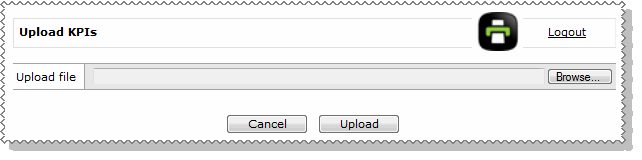
Note: If the import file includes a KPI for a position that already has KPIs, then all existing KPIs for that position are deleted and replaced with the KPIs in the import file.
Import file requirements
You should use Microsoft Excel to create or modify the import file because Excel will format the file so it imports correctly.
The CSV file has four columns:
The first line in the import file must be the header.
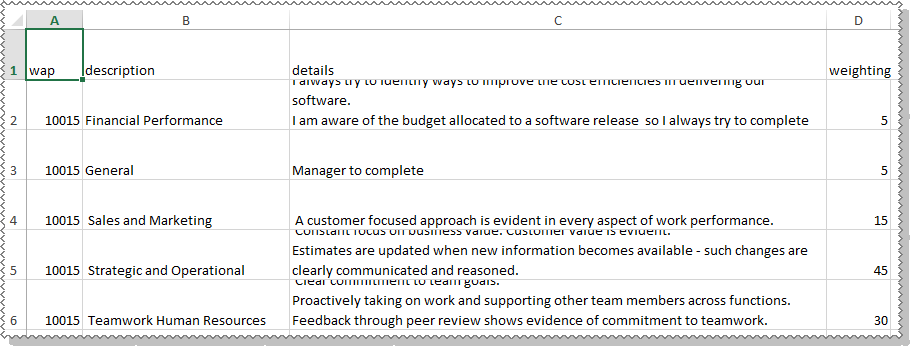
The following table explains the columns.
Field |
Format |
Notes |
wap |
text, mandatory |
WAP is also known as Position in ESS. Must be 12 characters or less. |
description |
text, mandatory |
Must be 100 characters or less. |
details |
text |
For multiple lines, press Alt + Enter to create a new line (Excel functionality). This key combination will display a bullet point for each line in the Performance Review. |
weighting |
number, mandatory |
Must be between 1 and 100. |
You cannot use any of the following characters in the import file because they will cause the import to fail: ; $ : < > & / \ @
|
|
|
 |
Topic: 41512


