

|
|
|
|
|
|
You can change your password as often as you require.
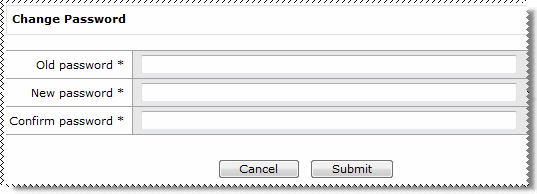
The Change Password form appears.
Fields |
Details |
|---|---|
Old password* |
Enter your current password. |
New password* |
Enter your new password. |
Note: Passwords are case sensitive. |
|
Confirm password* |
Re-enter your new password to confirm that it is correct. |
ESS validates your password to ensure that it meets the criteria set by your Self-Service Administrator. For example, the length of your password, the required characters, and that you have not repeated your password.
A confirmation page appears indicating that your password was successfully updated.
|
|
|
 |
Topic: 12088


