

|
|
|
|
|
|
When a manager views their own details, they view them as an employee rather than in a manager role.
To access your personal details:
The Details | Personal (i) tab appears.
The My Details pages display information that comes from your employee record.
Important: Your Self-Service Administrator sets the tab pages and fields that you can view and edit, so you may not see all the pages shown in the image below.
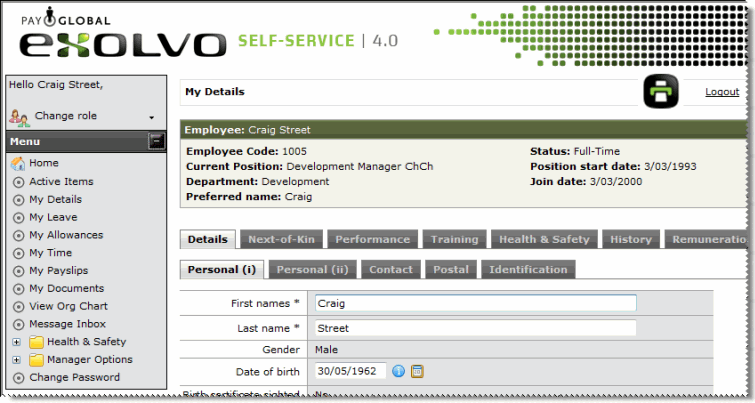
You can update your details using the active fields in the My Details section. Simply edit a field and click Submit to save your changes to the database. Mandatory fields are marked with an asterisk (*).
For more information about viewing your own details in the My Details section, see the Employee chapter.
 |
Topic: 30171


