

|
|
|
|
|
|
When you click Add to add a new competency, the Employee Competency page appears. Use this form to attach a Competency record to the employee's record in PayGlobal.
Important: After you submit a new competency, the employee record is not updated until you click the Submit button below the Qualifications grid.
A competency is "the ability to perform activities within an occupation or function to the standard expected in employment". Often an employee attends a course to address a lack of competency in an area.
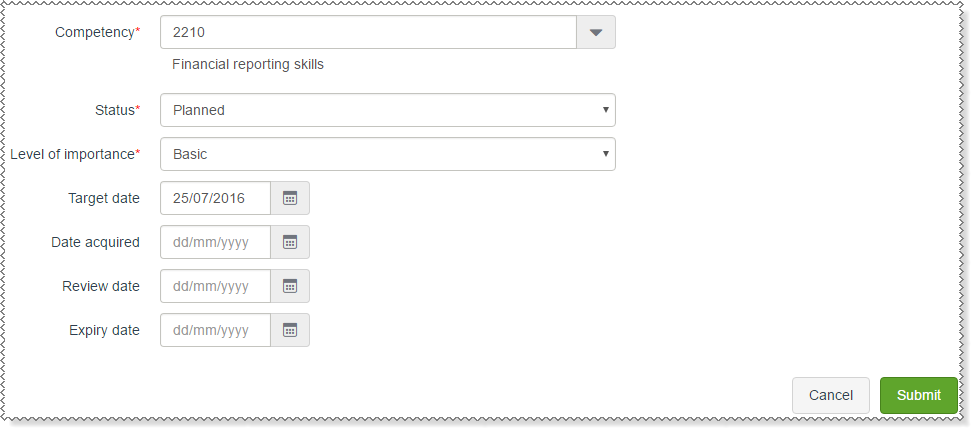
Use the following table to complete the Employee Competency form.
Field |
Details |
Competency* |
Select the competency record that you want to attach to the employee. |
Status |
The current status of the competency for this employee. The options are:
|
Level of importance |
How important it is that the employee has this competency.
|
Target date |
Date that the employee should achieve this competency by. |
Date acquired |
Date that the employee achieved this competency. |
Review date |
Date that the competency for this employee needs to be reviewed. |
Expiry date |
Date that this competency will expire. |
|
|
|
 |
Topic: 32667


