

|
|
|
|
|
|
When you click Add to add a new competency, the Employee Competency page appears. Use this form to attach a Competency record to the employee's record in PayGlobal.
Important: After you submit a new competency, the employee record is not updated until you click the Submit button below the Qualifications grid.
Select the qualifications that attendees will gain when they successfully complete this type of course. When an attendee successfully completes this type of course, PayGlobal creates Employee Qualifications records for these qualifications in the employee's record.
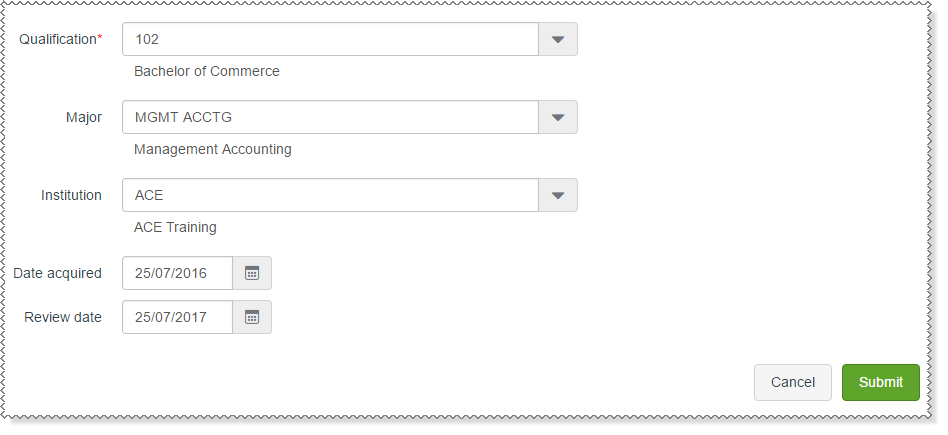
Use the following table to complete the Employee Qualification form.
Field |
Details |
Qualification |
Select the qualification record that you want to attach to the employee. |
Major |
The subject that the employee majored in. |
Institution |
The institution that credited the qualification to the employee. |
Date acquired |
Date that the employee achieved the qualification. |
Review date |
Date that the qualification needs to be reviewed for this employee. |
 |
Topic: 32668


