

|
|
|
|
|
|
Important: Your Self-Service Administrator sets the functionality that you can use, so you may not see the ESS Messages section.
The ESS Workflow sends ESS messages.
ESS uses email functionality to inform managers and employees when events occur, such as when a leave request is submitted, edited, approved or declined. If some employees do not have access to email, then your company may use messaging to notify managers and employees when an event has occurred.
 to open the message.
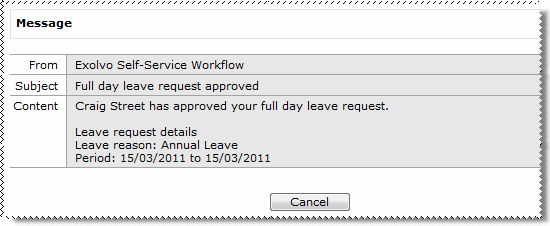
The Content section displays information about your workflow event.
 |
Topic: 34989


