Company Messages
Your message administrator sends company messages.
- Click the View icon
 to open the message.
 - If the message includes the Acknowledge section, then you must click the Acknowledge button to indicate that you have read and understood the message.
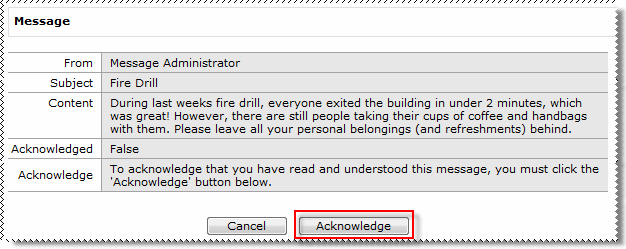
- Click Cancel to close the message.
Note: Only your message administrator can delete company messages.
Topic: 16629




