Previous page

Next page

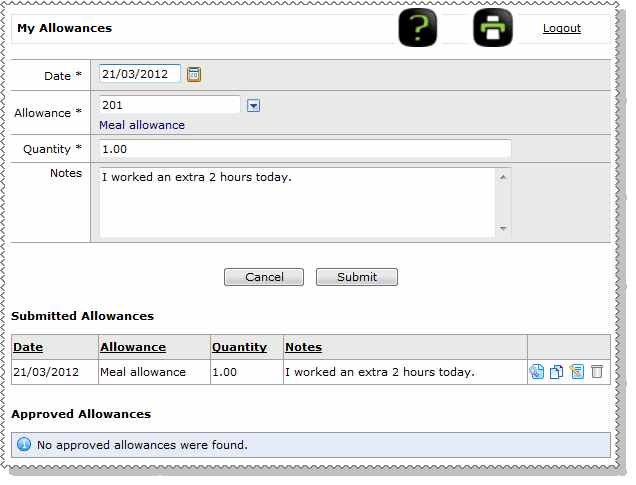
Enter Allowances

Use the following procedure to add an allowance.

  1. In the navigation menu, click My Allowances.

    The My Allowances page appears.

  2. In the Date field, type a date for the allowance or select from the calendar.
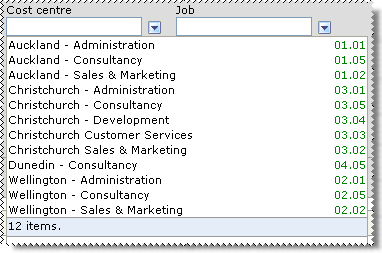
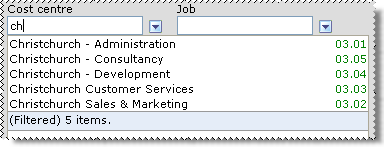
  3. In the Allowance Code pick list, start typing the name of the allowance and then click the required allowance in the filtered list. Alternatively, click the show options button to select the allowance from the lookup list.
    See Lookup Functionality.
  4. In the Quantity field, enter a value.

    If you were entering a allowance such as mileage, then you would enter the number of kilometres in the Quantity field.
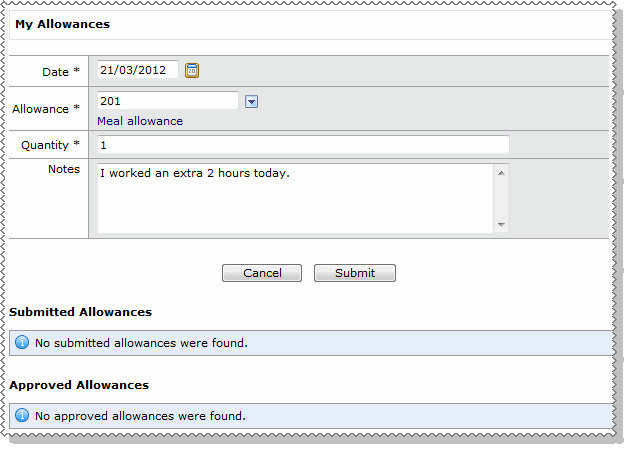
  5. In the Notes field, enter an explanation to your manager for this allowance or irregular payment. Your payroll person will also be able to see the note.

    Employee - My allowances

  6. Click Submit.

    The allowance is created in the Submitted Allowances grid below the form.
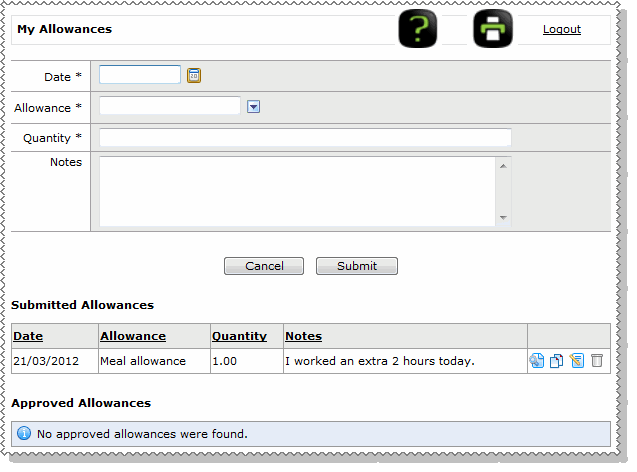
    Submitted allowances

    When you submit an allowance successfully:

  7. Use the same procedure to add any other allowances that you require. Alternatively, if the allowance is similar to the one you submitted, then you can copy the allowance.

Copy allowance

To copy an allowance, click the copy icon Copy Icon beside the allowance that you want to copy.

The allowance is copied to the form above the Submitted Allowances grid so you can change details, such as the date and notes, and then Submit the new allowance.
Copy allowance

In This Section

Lookup Functionality

Topic: 38499