

|
|
|
|
|
|
After you add a timeband for each day in your timesheet, you need to submit the timesheet to your manager for approval.
Click the Submit timesheet button to submit your completed timesheet.
ESS checks that all the required data is entered correctly. If an element does not pass validation, then you cannot proceed. You are redirected to the element that has not passed validation, which is highlighted by an error message.
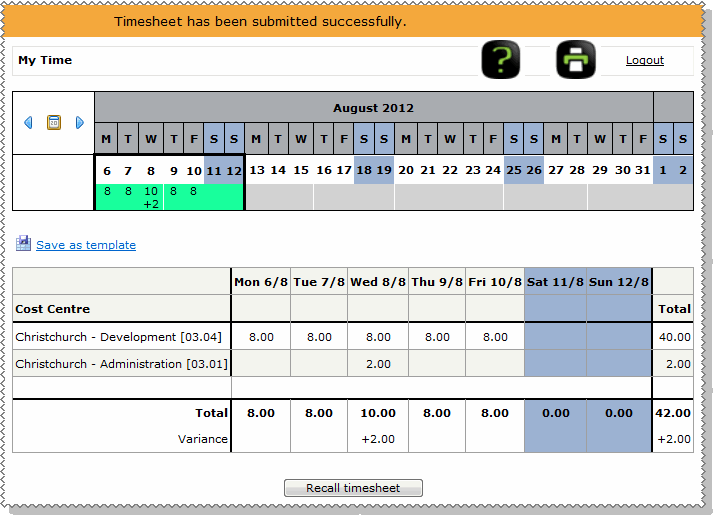
When you submit your timesheet successfully:
Timesheet has been submitted successfully.
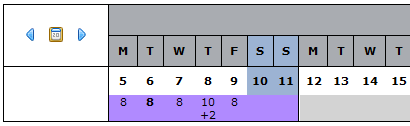
When your manager approves your timesheet:
 |
Topic: 39696


