|
|
|
|
|
|
Use the Employee tab to:
Use the following procedure to enter an allowance on behalf of an employee who reports directly to you.
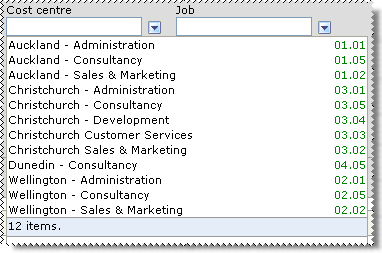
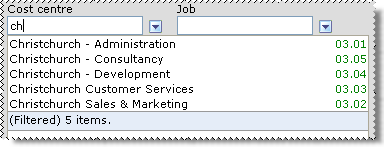
See  Lookup Functionality.
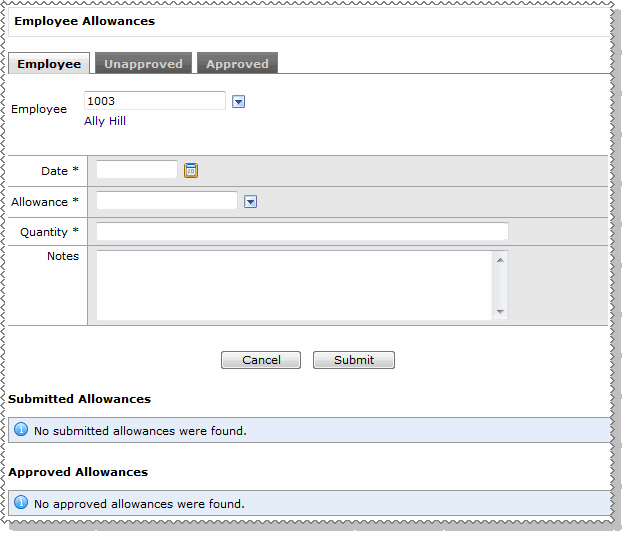
Note: Your payroll person will be able to read information that you enter in the Notes field.
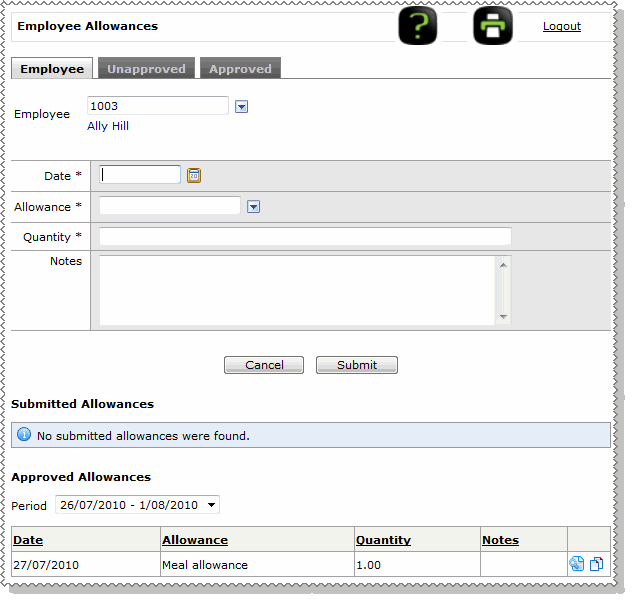
The allowance is automatically approved and appears in the Approved Allowances section of the Employee tab.
|
|
|
 |
Topic: 39945