

|
|
|
|
|
|
You can view and update details for employees who report directly to you.
Use the following procedure to open an employee’s record.
The Employees grid appears.
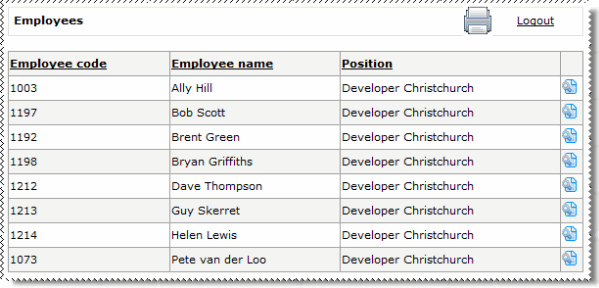
 for the required employee.
The employee’s record opens on the Details | Personal (i) tab page.
Some of the employee’s details are displayed on read-only forms, but you can update active fields for the employee and click Submit to save your changes to the database.
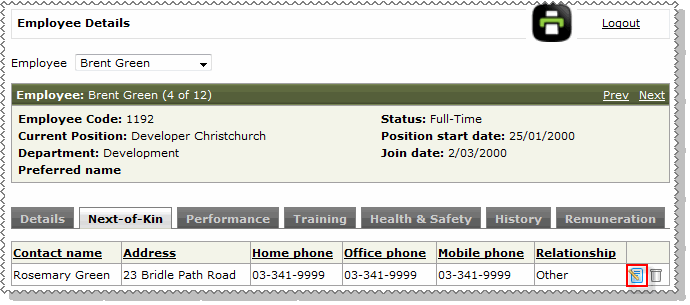
Note: If the Edit details icon  is displayed beside a record (as shown below), then you can click the icon to open the corresponding form in edit mode.
|
|
|
 |
Topic: 40828


