

|
|
|
|
|
|
Manager Role Switch enables higher-level managers to impersonate managers who are below them in the organisational structure.
When this functionality is enabled, the Manager combo box appears at the top of pages assigned to higher-level managers. This combo lists the managers that the user can impersonate.
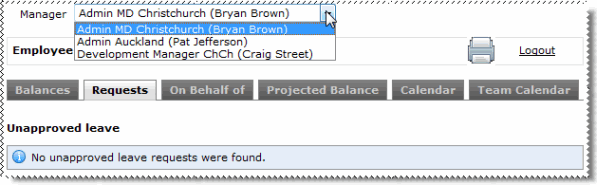
Manager Role Switch may be available for the following modules:
Important: Your ESS Administrator sets up the Manager Role Switch functionality and which modules use it, so you may not see the Manager combo box.
Example
Bryan Brown selects Craig Street's name in the Manager combo box.
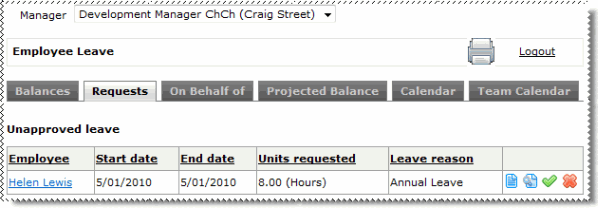
Bryan can see and do everything that Craig can for this module only. Bryan can click the other leave tabs and the combo setting is retained, but when he clicks another area in the navigation menu, he assumes his own role again.
When Bryan completes an action on Craig's behalf, Craig and the relevant employee are notified by email (if this email is set up).
|
|
|
 |
Topic: 28274


