

|
|
|
|
|
|
When you submit the report, the View as PDF button is available at the bottom of the page.
The report opens in the PDF reader that you have installed so you can save or print it using the PDF reader's standard options.
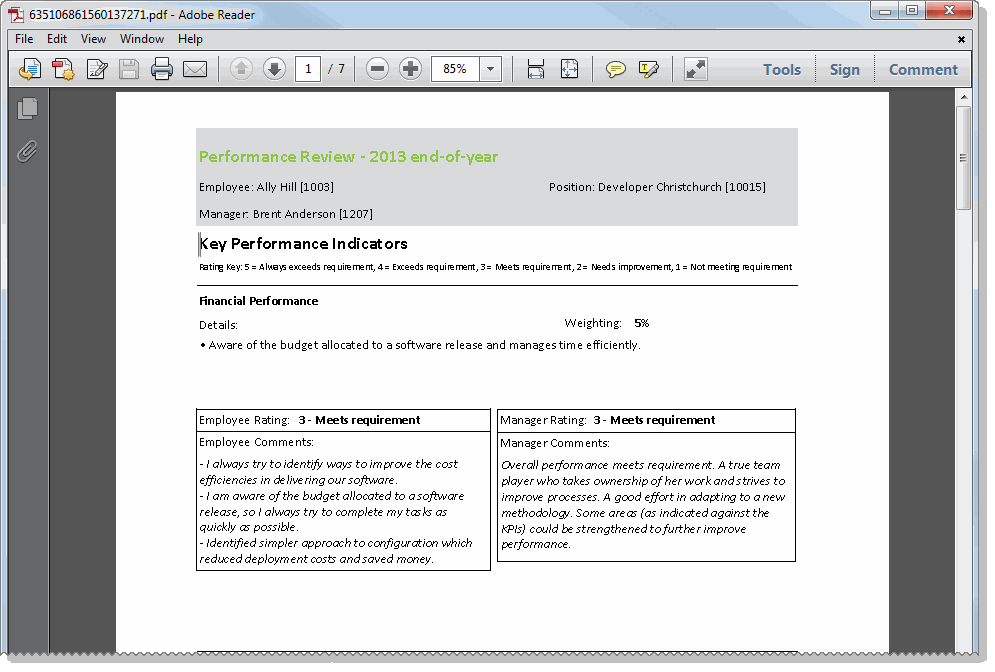
The image below shows the first page of the report. The report displays all of the Key Performance Indicators followed by Behaviours, with a area for comments below each each record.
The last page of the report shows the employee's and manager's overall comments and scores.
|
|
|
 |
Topic: 41235


