

|
|
|
|
|
|
When you have completed editing an employee's performance review, and clicked save:
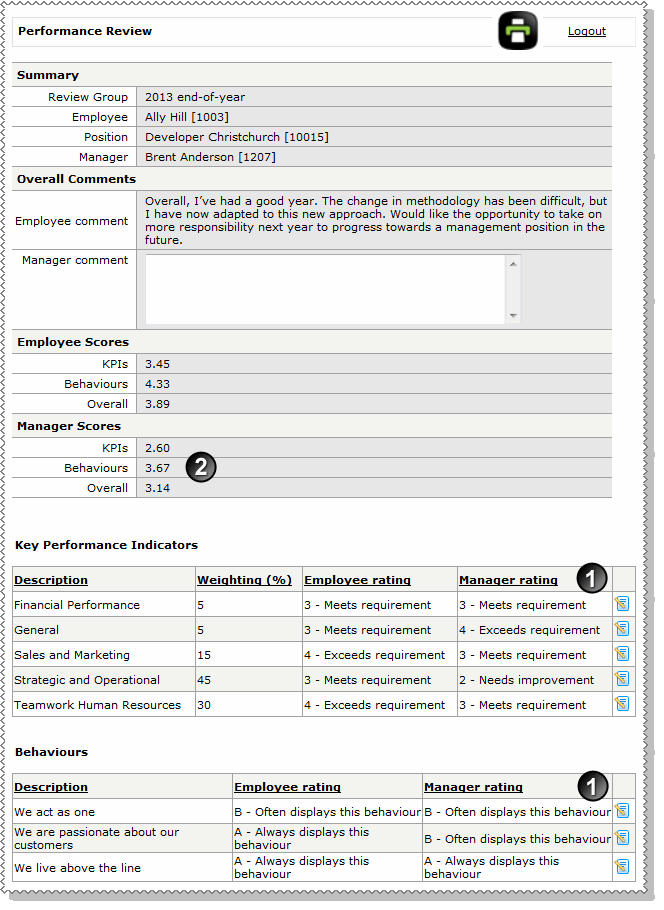
 is complete for each KPI and behaviour so the KPIs and Behaviours scores
  are calculated. For an example of how the KPIs score is calculated, see Employee - Submit performance review.
When the employee acknowledges the request, they can add a comment, so check the comment and then click Complete to complete the request.
The request will now appear in the Completed section of the Employee Performance Reviews page.
|
|
|
 |
Topic: 41158


