

|
|
|
|
|
|
This topic shows how to take a backup of the Exolvo database. You should take regular backups, especially before closing a pay. You do not require exclusive access to the database when you take a backup.
You are in the main window.
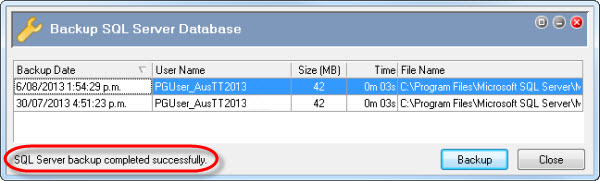
The Backup SQL Server Database form appears.
Backup details appear in the Backup SQL Server Database form, and the following message appears:
"SQL Server backup completed successfully."
Note: The Backup command does not backup any sub-folders containing reports, grid layouts and .ini files.
 |
Topic: 23324


