

|
|
|
|
|
|
You must process all transactions in a pay before you can close it — see Process Manual Pay.
Exolvo does not prompt you to take a backup when you close a pay, but you should still take regular backups, especially before closing a pay.
Further Reading: For more information on closing a pay, see Closing a Standard Pay in the Standard Pay Processing manual.
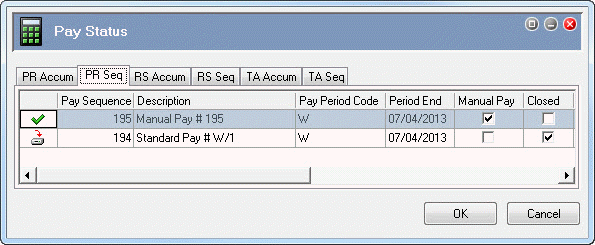
In this example, you have successfully processed the manual pay so the Pay Status form shows the following details:
In the following topics you will take a backup and then close the manual pay.
 |
Topic: 23422


