

|
|
|
|
|
|
This topic shows how to add Linda Johnstone's termination transaction for 05/04/2013 in a manual pay.
You are on Linda Johnstone's record in Transaction View for the manual pay.
Linda's Pay Header form appears.
Note: Do not include permanent transactions in this manual pay.
The Select Allowance form appears.
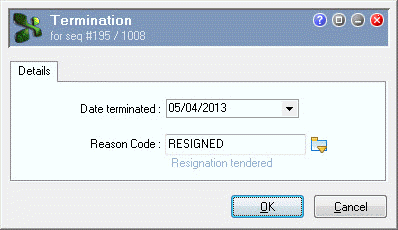
The Termination | Details tab appears.
Field |
Value |
Details |
Date terminated |
05/04/2013 |
Linda’s termination date. |
Reason Code |
RESIGNED (Resignation tendered) |
Select from pick list. |
Note: When you close this pay, Exolvo will update Linda’s employee record with these termination details. See Terminated Employee's Record.
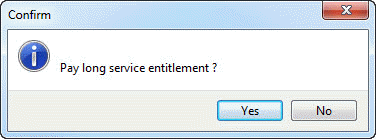
A Confirm message appears.
 |
Topic: 23368


