

|
|
|
|
|
|
This topic shows how to check the status of a manual pay and its accumulators.
 in the main toolbar.
Note: Alternatively, press Ctrl+Y.
The Pay Status form appears.
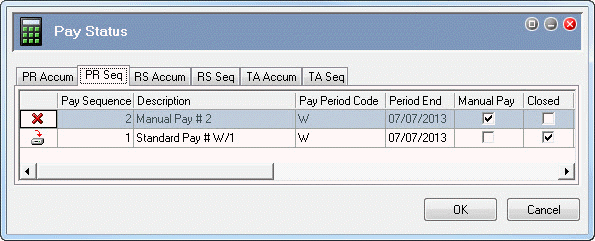
The following table explains the icons used on the PR Seq tab.
Icon |
Meaning |
|
Pay period is open. |
|
Pay period is open and processed. |
|
Pay period is closed. |
The PR Seq tab shows that Pay Sequence 2 is an open manual pay. The Manual Pay column is ticked and the Closed column is not ticked.
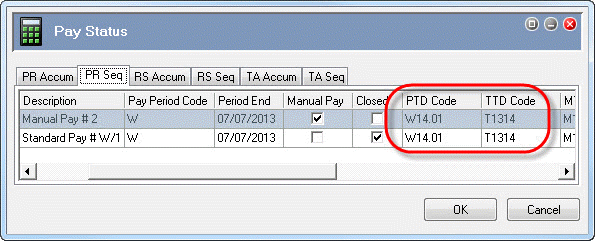
When you opened weekly Manual Pay # 2, Exolvo automatically assigned it accumulators for the most recent weekly standard pay, which is Standard Pay # W/1 in this example. As a result, you do not need to adjust the accumulators for this manual pay.
 |
Topic: 39190


