

|
|
|
|
|
|
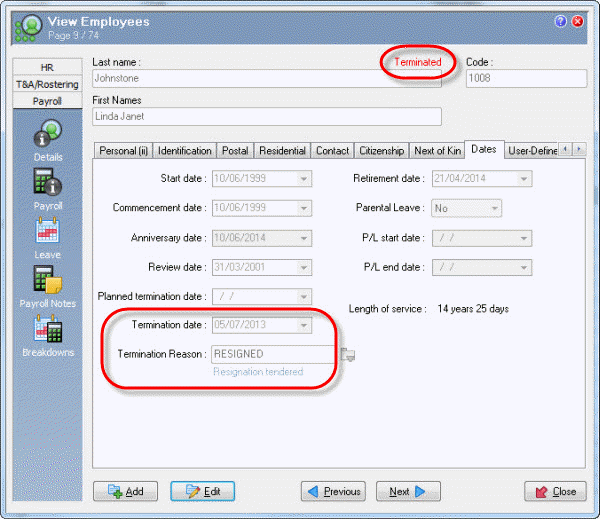
In Termination Transactions, you terminated Linda Johnstone, and when you closed the manual pay, Exolvo updated Linda's employee record with her termination details.
You are in the main window.
Linda's record now has a "Terminated" label, and her Termination date and Termination Reason fields contain the values that you entered in her termination transaction.
 |
Topic: 39232


