

|
|
|
|
|
|
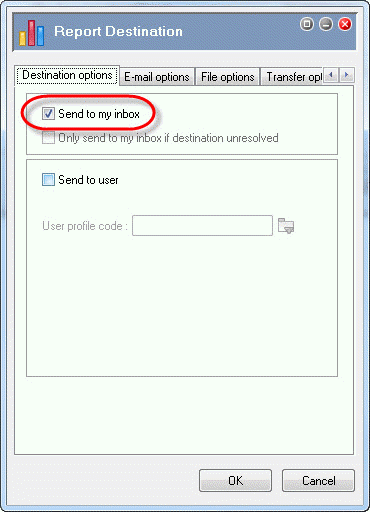
This topic shows how to select the Inbox as the destination for the Pay Period Calculation Listing report. After you run the report, it will appear in the PayGlobal Report Viewer and a copy will be sent to the Inbox.
You are on the View Report Groups | Reports tab.
Note: Alternatively, click PGPRPRIM001, and then press Ctrl+D.
The Report Destination | Destination options tab appears.
Important: Do not click any other checkboxes on the Destination options tab.
 |
Topic: 23525


