

|
|
|
|
|
|
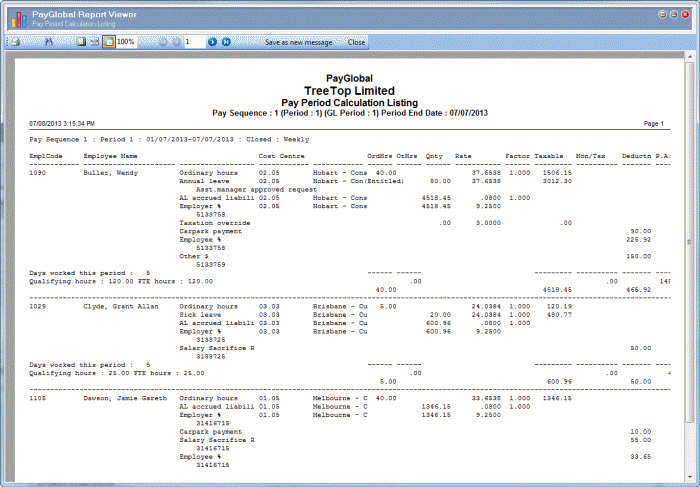
This topic shows how to run the Pay Period Calculation Listing report.
You are on the View Report Groups | Reports tab.
Note: Alternatively, click PGPRPRIM001, and then press Ctrl+X.
The Schedule Info form appears. When Exolvo finishes processing, it displays the Pay Period Calculation Listing in the PayGlobal Report Viewer.
 |
Topic: 39245


