

|
|
|
|
|
|
When you click the Update Details button, Exolvo verifies details on the Superannuation Update Tool form. If they are correct, you can run the tool in update mode to change Employee Super Fund records that require updating, and then check the update details in the resultant audit log.
Exolvo verifies the details on the form.
If some details are incorrect, the following type of Warning message appears:
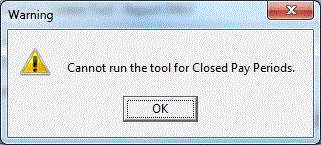
For more details, see Superannuation Update Tool | Run Report Only.
If all details are correct, the following Confirm message appears.
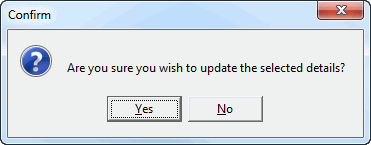
Exolvo runs the Superannuation Update Tool in update mode, and an audit log Confirm message appears.
The log lists the Employee Super Funds records that were updated.
 |
Topic: 41140


